
This past Sunday, I found myself in an unexpected battle with the infotainment system in my 2016 Hyundai Sonata.
What started as a simple attempt to update the system software quickly turned into a stressful ordeal that left my infotainment unit stuck in an endless update loop, just a few days before I was scheduled to leave on a cross-country road trip.
Hopefully this post helps anyone who runs into the same issue.
The Problem
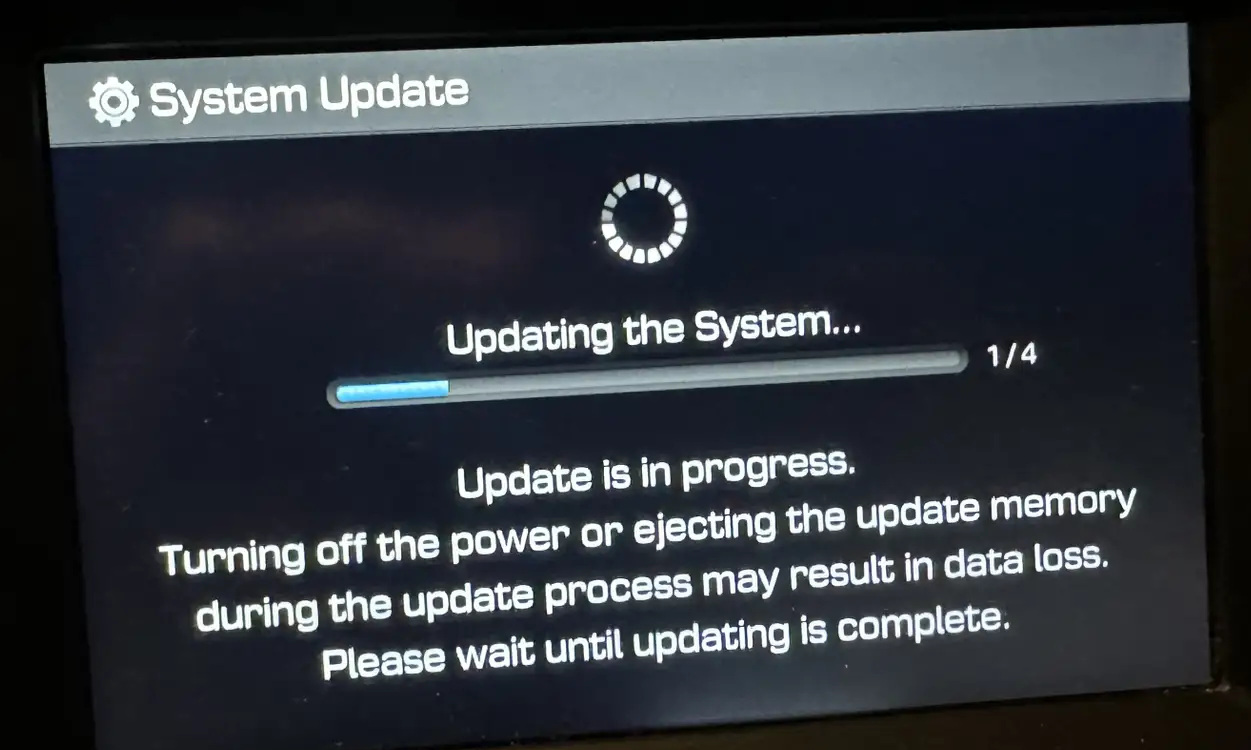
While troubleshooting some Android Auto audio issues in my Hyundai Sonata, I discovered that my infotainment system was running extremely old software:
SW Version: LF.USA.0000.V067.151222
Since Hyundai provides official infotainment updates through its owner portal, I entered my VIN on the Hyundai website and downloaded the recommended update package.
The update process appeared to start normally:
- Preparing System Update
- Copying Files
- System Restart
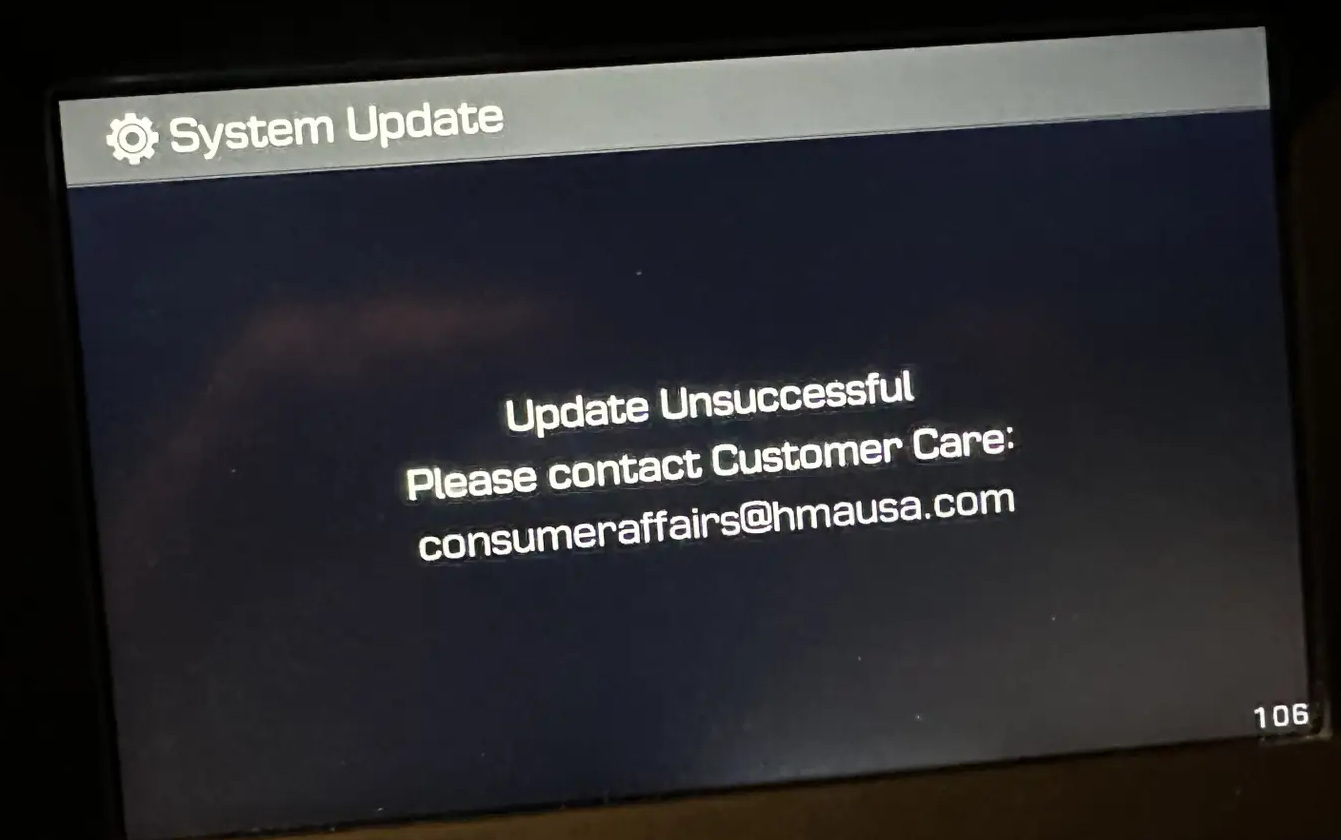
Unfortunately, after restarting, the update failed. The infotainment unit displayed the following message:
Update unsuccessful. Please contact customer care.
At first I wasn’t too concerned. I assumed I could simply retry the update. Unfortunately, things got worse.
The system became stuck in an endless loop:
- Hyundai boot logo appears
- Update process starts automatically
- Update fails
- “Update unsuccessful. Please contact customer care.”
- Repeat
Even removing the USB drive didn’t help. The unit continued attempting the update every time it booted.
Things That Did NOT Work
Before finding the solution, I tried nearly everything I could think of:
- Pressing the infotainment reset button
- Removing the USB drive
- Re-downloading the update
- Disconnecting the vehicle battery
- Researching Hyundai support documentation
- Visiting a Hyundai dealership
I even brought the car to my local Hyundai dealership.
Because of their service backlog, they estimated it would take approximately two days before they could begin troubleshooting the vehicle and quoted me $275 to diagnose the issue.
With an upcoming road trip, waiting several days simply wasn’t an option.
The Solution
After several hours of searching online, I stumbled across a post on the Hyundai Forums from a user named shannonsensei who had experienced nearly the exact same problem on a 2017 Hyundai Sonata.
The solution sounded completely ridiculous. It also worked.
Steps
- Plug a wired USB keyboard into the vehicle’s USB port.
- Press CTRL + ALT + DEL
That’s it. Seriously.
The screen immediately went black, rebooted, displayed the Hyundai startup logo, and then…
Music started playing. The radio returned. The infotainment system loaded normally. Android Auto worked again. The update loop was gone.
What Happened?
My best guess is that the firmware update itself actually completed successfully, but the infotainment system became stuck in some type of update-recovery state.
After performing the keyboard reset, the system booted normally and remained stable. Interestingly, it appears the update was successfully applied because several icons and interface elements look different than before.
An Unexpected Bonus
One of the reasons I originally attempted the update was to troubleshoot an Android Auto issue.
For several months, I had been experiencing a strange problem where:
- Android Auto music playback worked normally
- The first navigation voice prompt from Google Maps would play
- Music would then rapidly pause and resume repeatedly
- The infotainment screen would occasionally display: “Phone is not responding”
After successfully recovering the infotainment system, those Android Auto issues appear to be resolved as well. I’ll continue testing during my upcoming road trip, but so far the behavior appears significantly improved.
Thank You
A huge thank you to shannonsensei on the Hyundai Forums for sharing the solution. Without that forum post, I likely would have left my car at the dealership for several days and spent hundreds of dollars diagnosing an issue that was ultimately fixed with a cheap USB keyboard and a keyboard shortcut that most of us associate with rebooting Windows.
Resource: https://www.hyundai-forums.com/threads/failed-stereo-update.702655/