
Introducing RetroTunes, a new Y-Corner app for listening to the music of classic game consoles!
RetroTunes is a retro-themed music player for the soundtracks of the 8-bit and 16-bit era. Instead of playing recordings, it plays the original sound files the games were ripped to, and emulates each console’s sound chips as it plays. Every track sounds just the way it did on the original hardware.
Why I Built RetroTunes
I’ve always loved the synth music of classic video games, but listening to it usually means juggling different players, plugins, and file formats for each console. I wanted a music player that could seamlessly play video game synth music from many consoles in one place, with an easy-to-use interface inspired by retro games.
RetroTunes is built with Kotlin Multiplatform and Compose Multiplatform, with the goal of supporting Android, iOS, and the web from a single shared codebase. The screens, the music library, and the player’s logic are written once and shared by all three. The sound chip emulators that play the music run natively on Android and iOS, and as WebAssembly in the browser.
Much of RetroTunes’ music playback is powered by Game Music Emu, an open-source library that emulates the sound hardware of classic consoles. It plays the music of the Famicom / NES, Super Famicom / Super Nintendo, Game Boy, Master System, Mega Drive / Genesis, Game Gear, and PC Engine. The Game Boy Advance and MSX are played by mGBA and libkss. A big thank you to the Game Music Emu project and its contributors, whose work made RetroTunes possible!
Nine Consoles, Thousands of Soundtracks
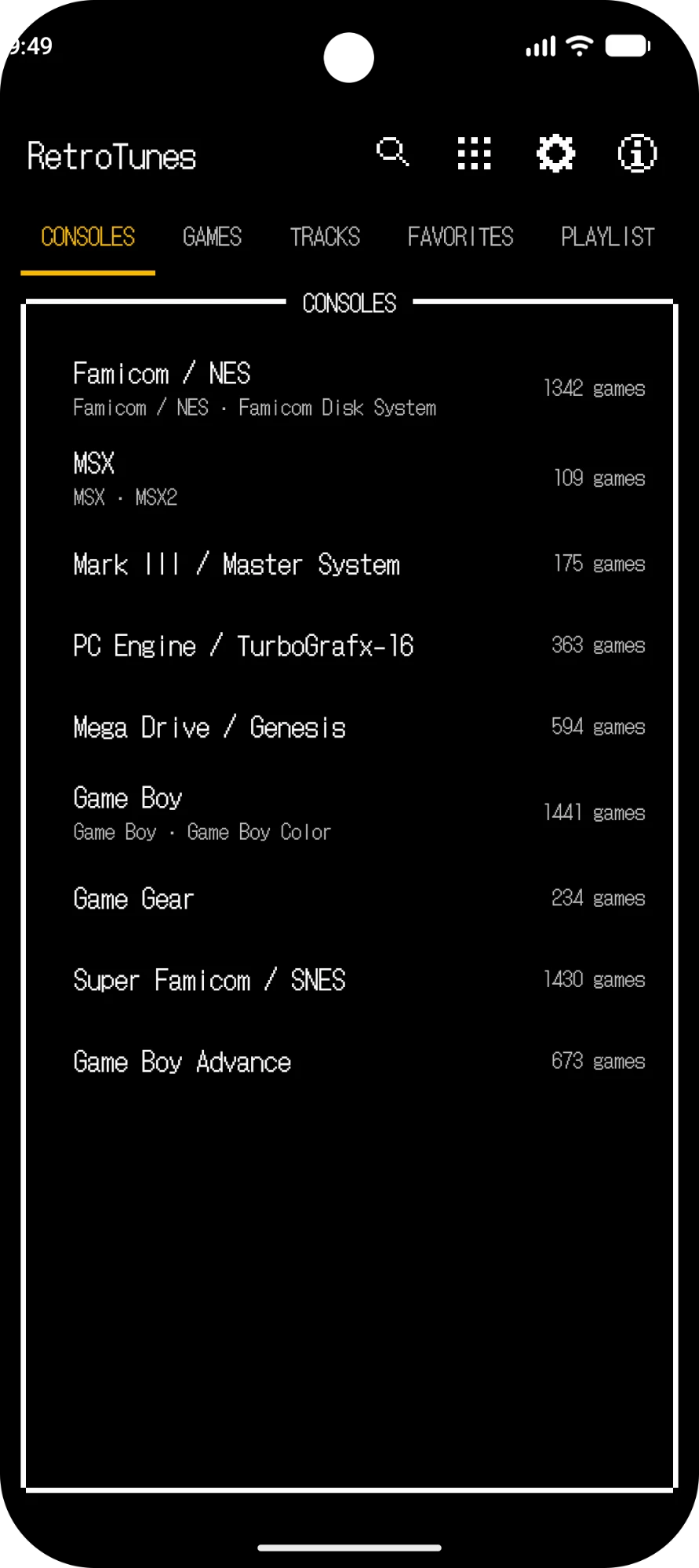
RetroTunes covers more than 6,300 games and 130,000 tracks from nine consoles:
- Famicom / NES
- MSX / MSX2
- Mark III / Master System
- PC Engine / TurboGrafx-16
- Mega Drive / Genesis
- Game Boy / Game Boy Color
- Game Gear
- Super Famicom / Super Nintendo
- Game Boy Advance
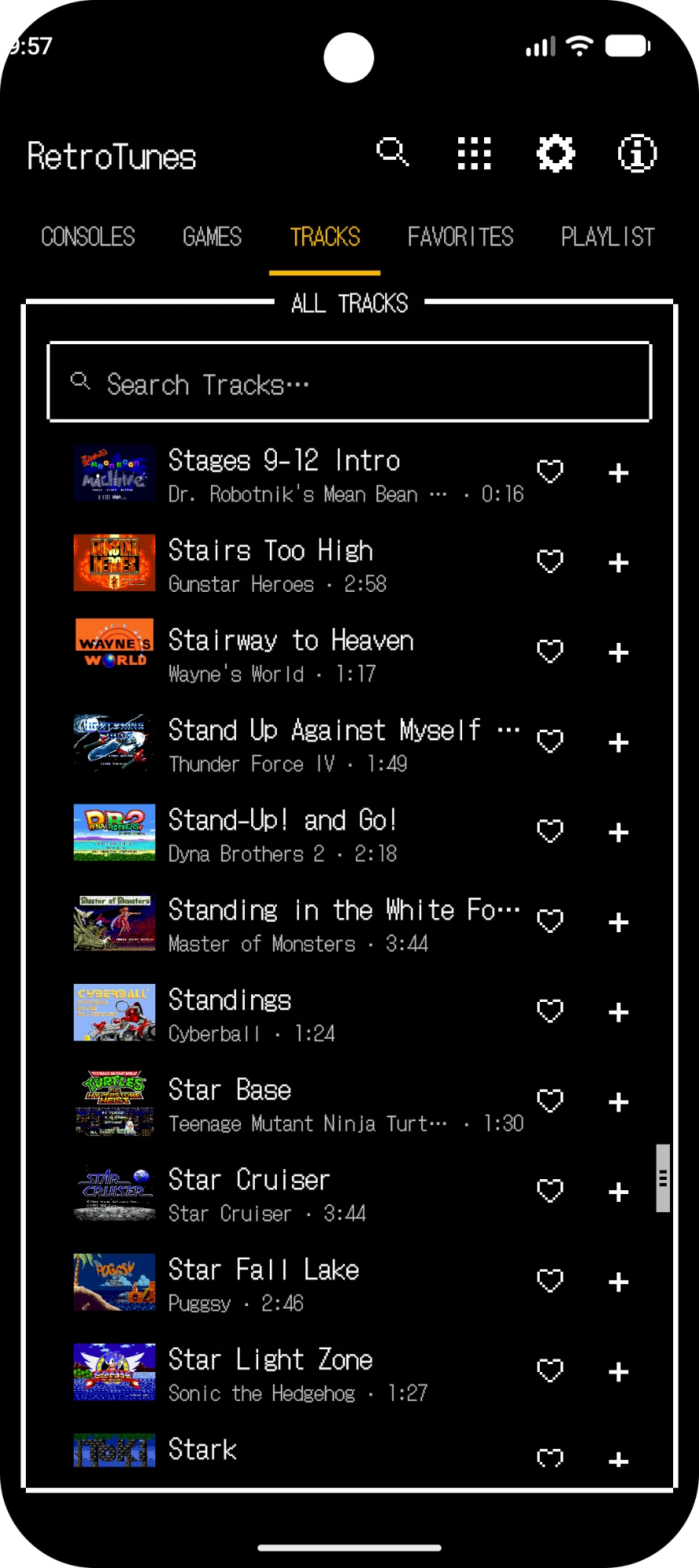
Each console’s library is a free add-on you download from inside the app, with every game’s soundtrack and title screen. You can also add your own music files, folders, and zip archives.
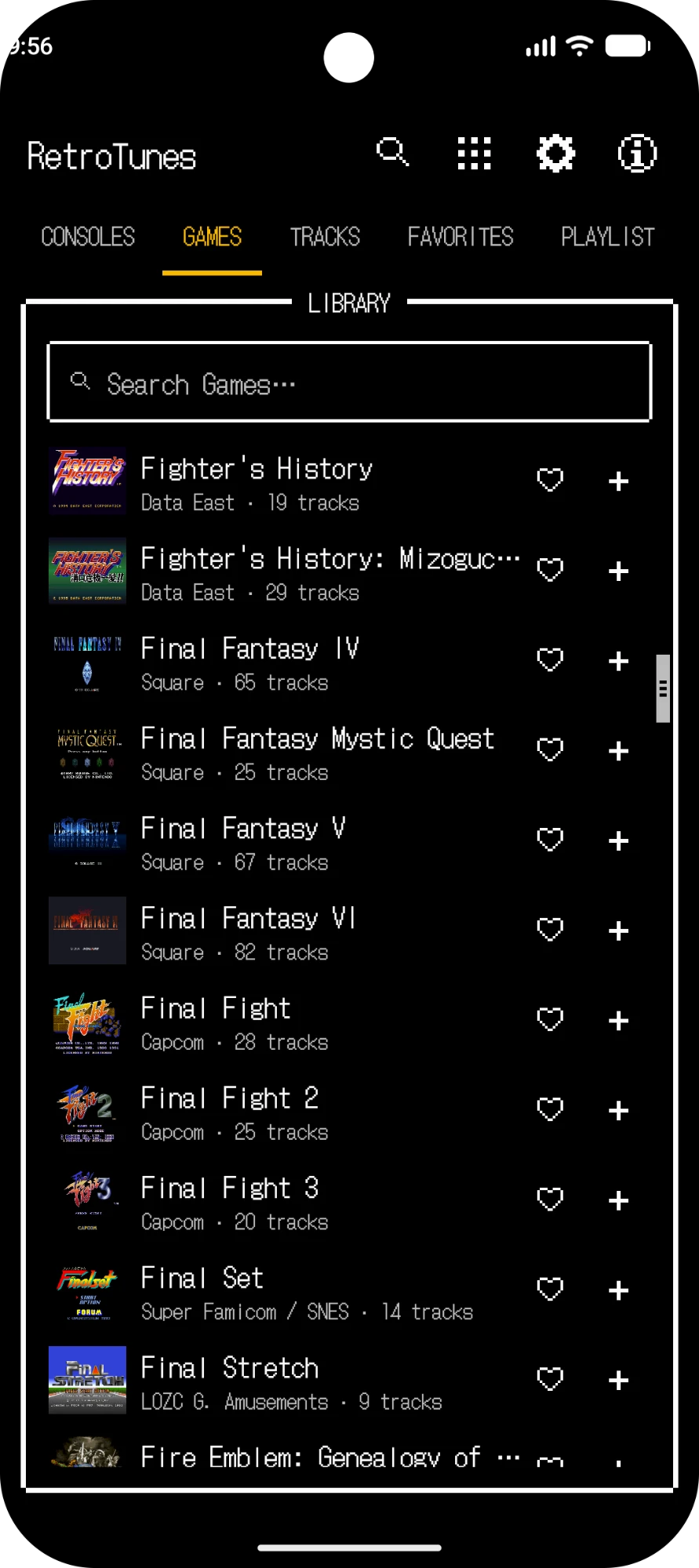
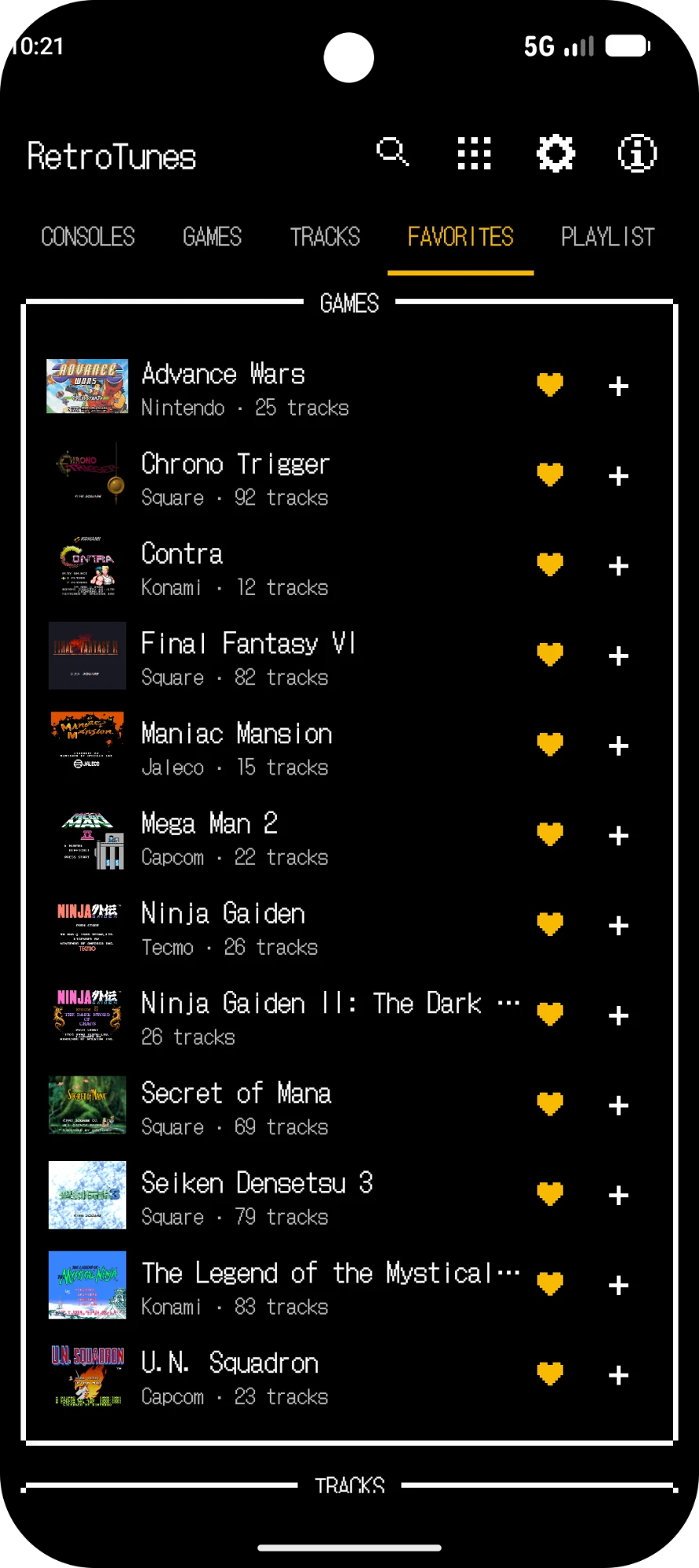
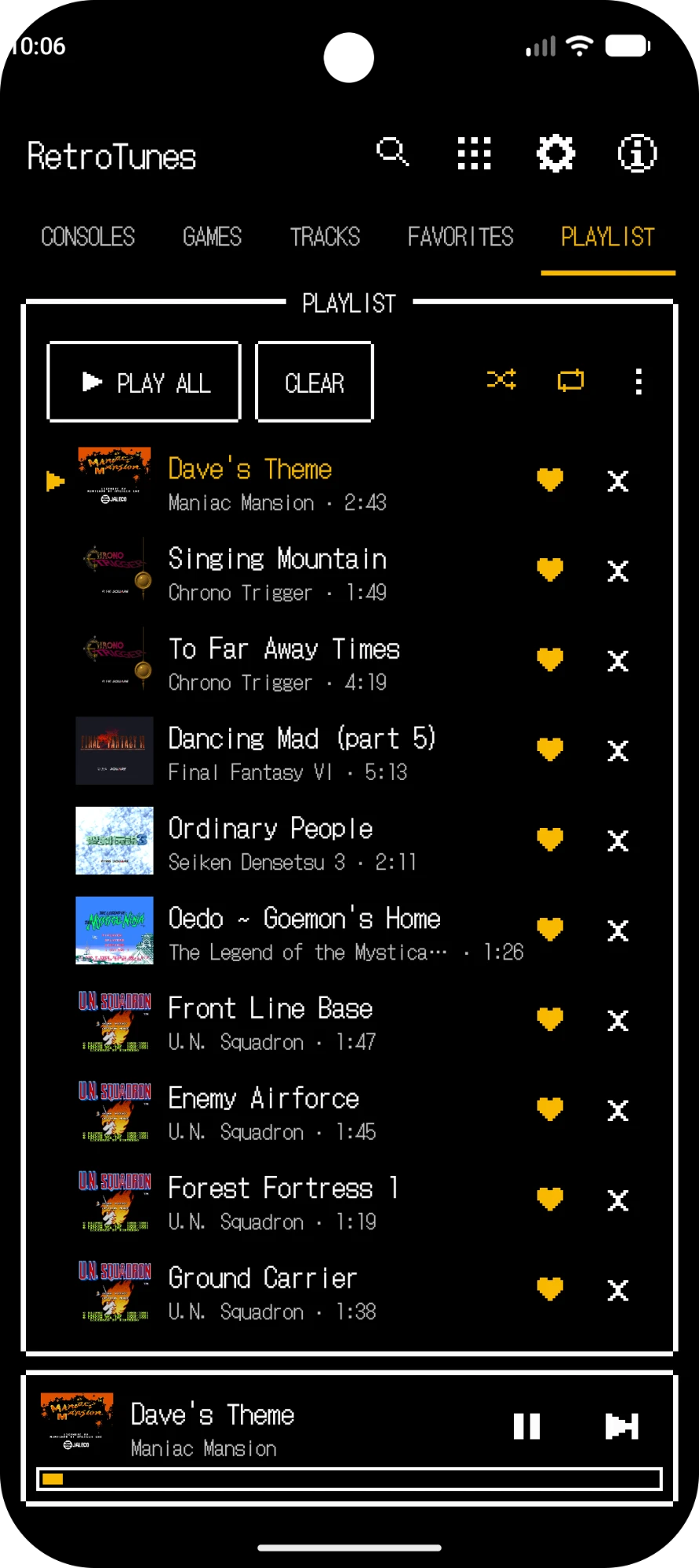
Browse games by console, title, year, publisher, or developer, and search by game, track, company, or composer. Mark your favorite games and tracks, and build a playlist to arrange, shuffle, and share.
Preview
A Retro Look, Your Way
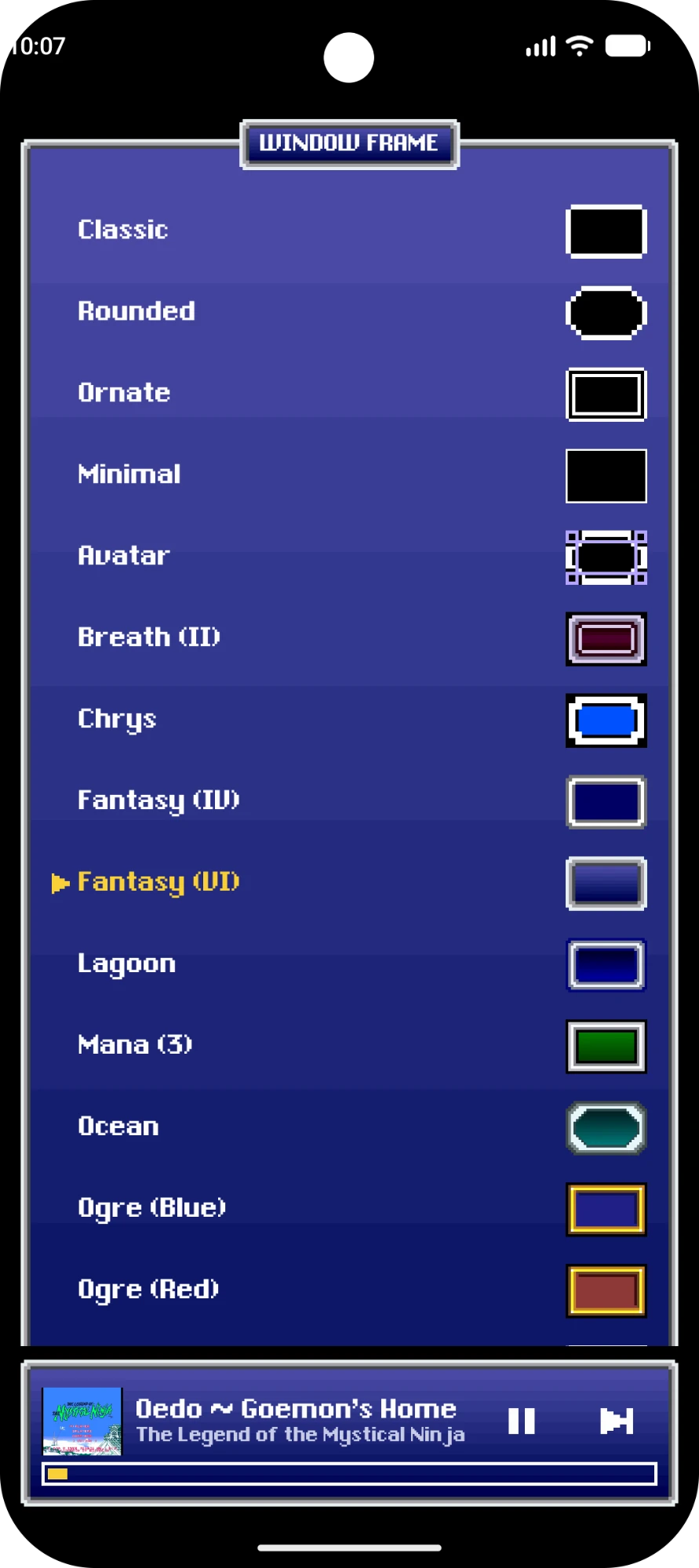
The interface is drawn like the menus of classic games. You can make it your own with 19 window frames, inspired by classic role-playing games, and seven retro text styles, in light or dark. RetroTunes supports nine languages, and shows games under their Japanese, Korean, or Chinese names where they have one.
Music keeps playing in the background, with controls on the lock screen and your headset. On Android you also get a home screen widget, Android Auto, and Chromecast; on iPhone and iPad, AirPlay and Quick Actions. RetroTunes is laid out for phones, tablets, and foldables alike.
Screenshots
Get RetroTunes
RetroTunes is available now for Android and iOS, and there’s also a web version that runs in your browser and can be installed on your computer or phone.
Visit the RetroTunes app page for more details and downloads.